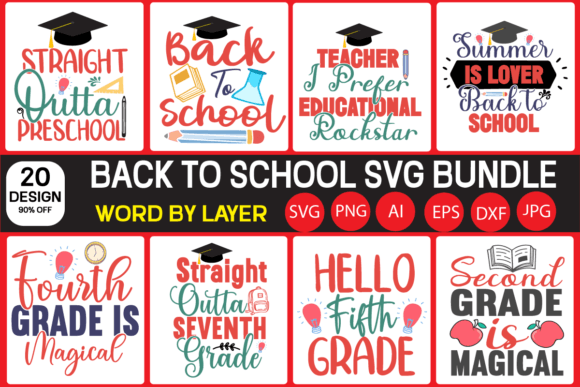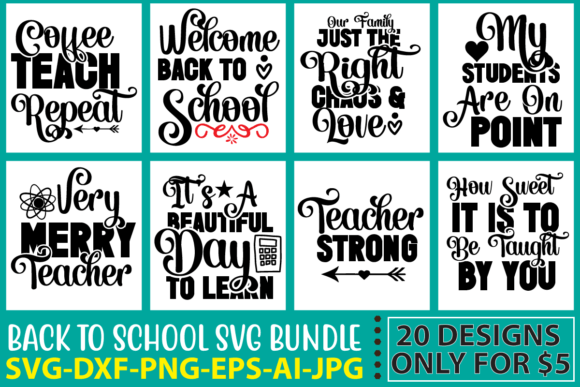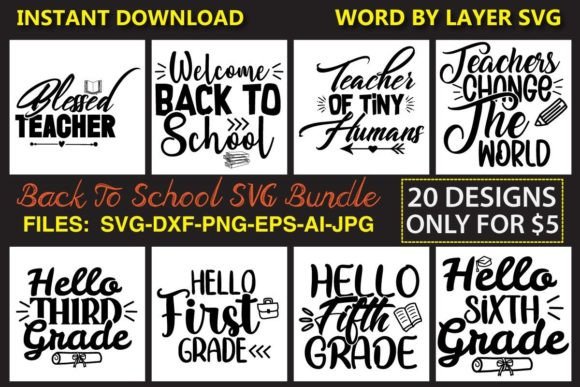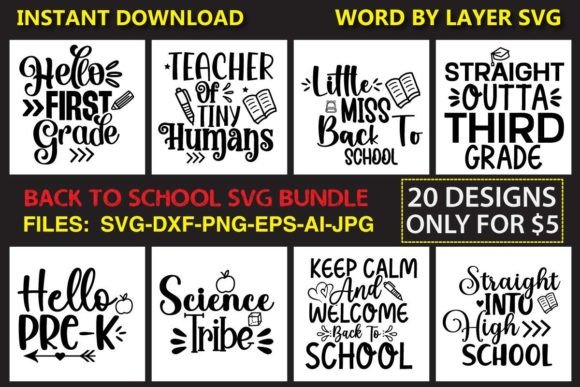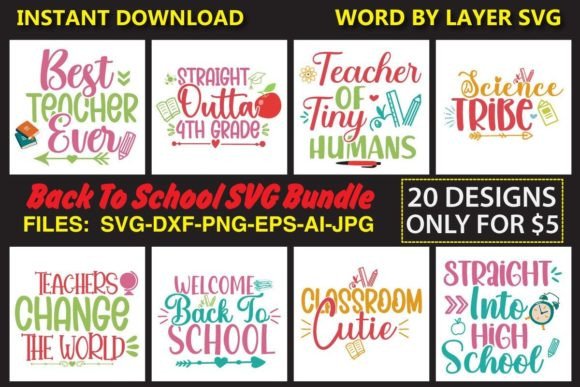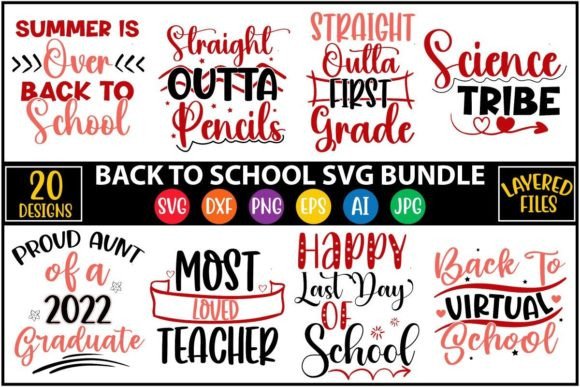
Back to School Vol.2 SVG Bundle
If you’re designing classroom decor, launching a teacher-themed Etsy shop, or prepping branded back-to-school social media assets—this isn’t just another clipart pack. The Back to School Vol.2 SVG Bundle is a production-ready toolkit built for real workflows, not just inspiration boards.
Inside the single .zip download, you get 20 cohesive, classroom-inspired designs—each delivered in six industry-standard formats: SVG (Cricut-optimized, word-by-layer), EPS (vector-editable), PNG (300 DPI, transparent background), DXF (for AutoCAD and laser cutters), AI (Adobe Illustrator source files), and JPEG (high-res, web-friendly). That’s 120 total files—not upscaled PNGs masquerading as vectors, but true, layered, editable assets.
Why Format Variety Matters More Than You Think
Most designers don’t work in just one app—and your projects rarely stay in one place. A teacher creating bulletin board letters needs SVG layers for precise Cricut cutting. A small business owner printing custom tote bags needs scalable EPS or AI files for clean screen printing. A blogger embedding graphics into Canva or WordPress needs crisp, transparent PNGs that load fast and scale cleanly on mobile. And if you’re prototyping signage or engraving school-branded acrylic awards? The DXF files are plug-and-play for most CNC and laser systems.
This bundle respects those realities. No re-tracing. No hunting for compatible versions. Every file type is purpose-built—not an afterthought.
Real-World Use Cases Across Roles
- Educators & School Staff: Cut vinyl lettering for classroom doors (“Welcome Back!”), layer SVG files to create interactive word walls with movable syllables, or print PNGs onto laminated flashcards—all without licensing headaches or pixelation at larger sizes.
- Etsy Sellers & Print-on-Demand Creators: Drop the AI or EPS files directly into Printful, Gelato, or Gooten product mockups. Edit colors in Illustrator to match brand palettes, then export variants for mugs, notebooks, and t-shirts—no extra design time.
- Marketing Teams & Content Managers: Pull PNGs into Mailchimp newsletters, Canva presentations, or Instagram carousels. Use the layered SVGs to animate “first day” countdown graphics in After Effects (via Lottie or SVG import plugins).
- Hobbyists & DIY Parents: Resize the DXF files to fit your Glowforge or Silhouette Cameo 4 for custom backpack tags, lunchbox decals, or personalized pencil pouches—cutting time stays consistent because all files share the same vector geometry.
No Hidden Compromises—Just Clean, Consistent Design
The 20 designs avoid dated clipart tropes. You’ll find modern chalkboard-style numerals, minimalist apple icons with subtle texture, balanced typography-based phrases like “Read. Write. Grow.”, and inclusive illustrations—diverse student silhouettes, gender-neutral supplies, and accessible color contrast in every PNG preview. Nothing’s stretched, aliased, or overly saturated. Each SVG retains clean anchor points and grouped layers—so ungrouping “Classroom Rules” won’t scatter stray paths across your Cricut Design Space canvas.
And because all files originate from the same Illustrator source (included as AI), color edits, stroke adjustments, or font swaps propagate seamlessly across formats. Change the hex code once in AI, re-export, and your entire asset library updates—no manual recoloring of 20 PNGs.
What This Bundle Solves—Without Saying It Out Loud
Time spent troubleshooting compatibility eats into actual creative work. How many times have you opened an SVG only to find missing fonts, flattened layers, or embedded raster images? Or tried scaling a JPEG for a large banner—only to see jagged edges and blurry text? The Back to School Vol.2 SVG Bundle eliminates those friction points by design.
It also sidesteps common licensing pitfalls. These aren’t free downloads with murky commercial terms. You’re cleared to use them in client work, digital products, physical goods, and even subscription-based teaching resources—no attribution required, no usage caps.
Smart Implementation Tips
Start with your most frequent tool. If you cut daily on Cricut, open the SVG folder first—test one file in Design Space to confirm layer names match expectations (e.g., “Shadow”, “Fill”, “Outline”). If you prep files for print vendors, go straight to the EPS or AI files—check outline fonts and embed linked images before sending to press.
For educators building reusable resources: rename files clearly (e.g., “apple-icon-red-ai.ai”) and store them in a cloud-synced folder with version history. That way, when you update your “All About Me” worksheet next August, swapping last year’s apple graphic for this year’s takes seconds—not minutes.
And if you’re evaluating bundles like this one: look past the file count. Ask whether layers are logically grouped, whether transparency is native (not added in Photoshop post-export), and whether the DXF/EPS files retain curves—not approximated polygons. This bundle passes all three.
Worth More Than the $5 Price Tag—Especially When You Factor in Time
At $5—down from $18—you’re paying less than the cost of two specialty coffee drinks for 120 production-grade files. But the real value isn’t in the price. It’s in skipping three hours of scouring Creative Market for compatible school-themed sets, avoiding $29 subscription fees for design tools that lock assets behind paywalls, and eliminating the risk of using low-DPI graphics that undermine your credibility—whether you’re a curriculum designer pitching to a school district or a freelancer delivering branded slide decks to a corporate training team.
You’re not buying clipart. You’re buying consistency, control, and confidence—in one click.
A Final Note on Longevity
School years cycle fast—but good vector assets don’t expire. These files will serve you through multiple academic calendars, seasonal updates, and platform migrations. Update a color palette in AI today, and that same file works for next year’s hybrid learning kits, summer camp branding, or even parent-teacher conference handouts. That kind of forward compatibility doesn’t come standard. Here, it’s built in.