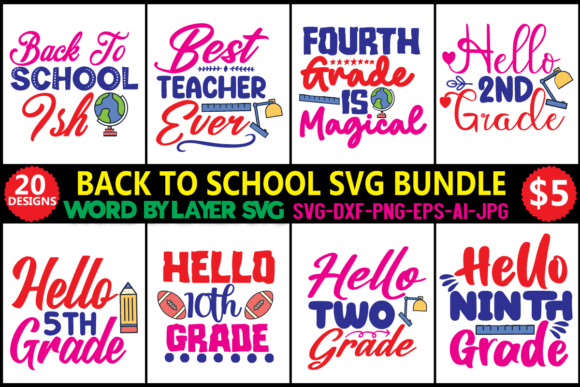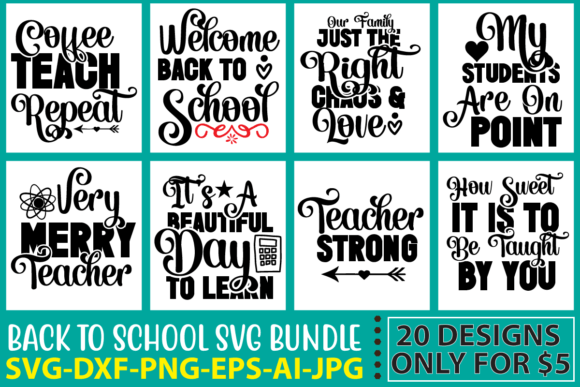
Back to School SVG Bundle Vol. 3
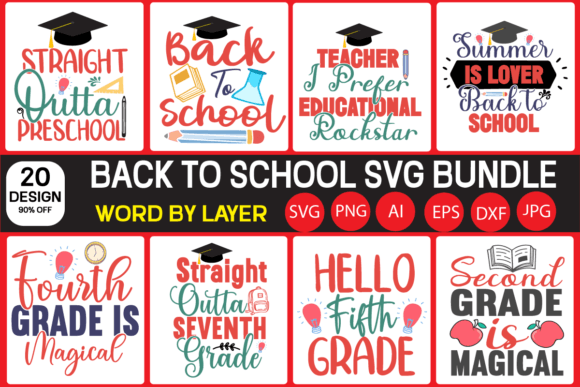
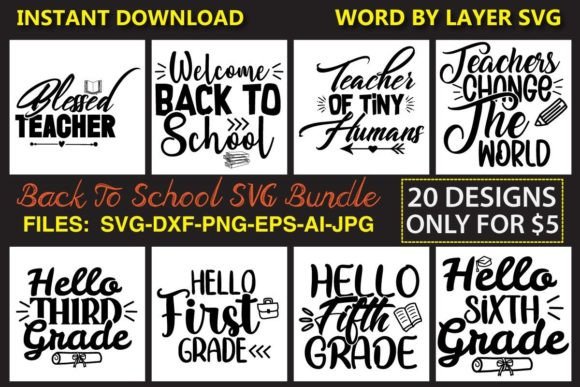
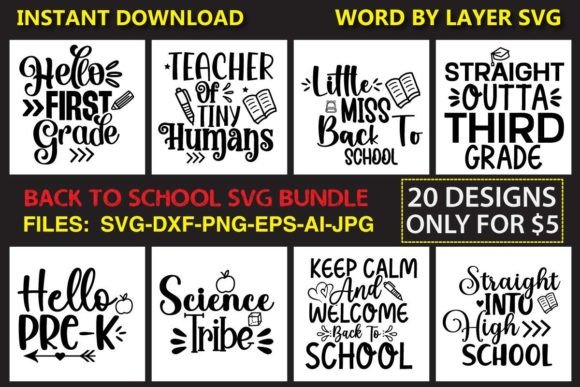
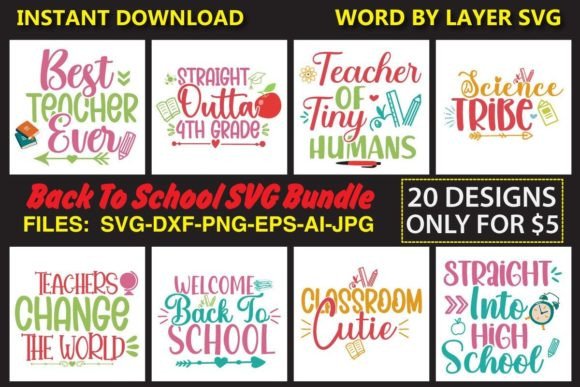
Whether you’re designing custom classroom decor, launching a seasonal merch line, or prepping personalized supplies for your kids’ first day, Back to School SVG Bundle Vol. 3 delivers precision, flexibility, and creative control—without the time sink. This isn’t just another collection of clipart. It’s a tightly curated set of 100 high-resolution, word-by-layer digital assets built for real-world use across cutting machines, design software, and print workflows.
What Makes This Bundle Stand Out
Each of the 20 unique phrases—think “First Day of School,” “Classroom Rules,” “Teacher Life,” and “Study Smart”—is delivered in five vector formats (.SVG, .EPS, .AI, .DXF) plus two raster options (.PNG, .JPG), all at 300 DPI. That means whether you’re using Cricut Design Space, Silhouette Studio, Inkscape, Adobe Illustrator, or even sublimation printers, you get clean, scalable, layer-ready files every time.
The “word by layer” structure is where practicality meets creativity: each letter or word sits on its own editable layer. You can recolor individual elements, rearrange spacing, hide or show parts selectively, or isolate components for multi-material projects—like adding foil accents to just the “A” in “Academy” or swapping out one word in “Welcome Back” for a student’s name.
Creative Uses Across Real Projects
This bundle thrives in context—not as isolated graphics, but as building blocks for meaningful output. Here’s how different users apply it:
- Educators create laminated hallway banners, editable behavior charts, and subject-specific posters (e.g., “Math Matters” layered over geometric shapes). Because layers are separated, they can toggle visibility during lessons—revealing vocabulary terms one at a time during interactive whiteboard sessions.
- Small business owners producing back-to-school tumblers, tote bags, or notebooks use the EPS and AI files to maintain crisp edges at any size—and the PNGs for mockup templates in Canva or Photoshop. One client resized “Future Leader” to fit a 4” x 6” vinyl decal, then added a subtle shadow layer in Illustrator for depth before sending to their Roland cutter.
- Hobbyists and crafters combine these files with physical materials: cut “Read Every Day” from kraft paper for library bulletin boards, layer “Science Rocks” in three shades of HTV for a layered t-shirt effect, or import the DXF into Carbide Create to engrave the phrase onto wooden pencils.
- Freelance designers use the bundle as a speed foundation—not for final delivery, but as editable starting points. They’ll swap fonts, adjust kerning, add custom icons, or integrate brand colors before handing off production-ready files to clients.
Adapting for Different Platforms & Audiences
One file set, multiple audiences—no rework needed. For social media marketers promoting a tutoring service, the JPEG versions work instantly for Instagram carousels or Pinterest pins. For educators sharing resources on Teachers Pay Teachers, the SVGs embed cleanly into editable Google Slides templates. And for print-on-demand sellers, the EPS files retain transparency and vector integrity when uploaded to platforms like Printful or Gelato.
If your audience skews younger—say, elementary teachers—you might simplify “Growth Mindset” by hiding complex script flourishes and keeping only bold, legible letters. For high school or college contexts, try stacking “Think Deeper” over abstract line art (imported separately) and exporting as a layered PDF for digital handouts.
Staying Organized & Consistent
With 100 files across six formats, staying organized matters. Rename folders clearly: /SVG/WordByLayer/FirstDayOfSchool, /PRINT/JPEG/300DPI. Use consistent color naming in your design software—“SchoolBlue #2E5A88”, “ChalkWhite #F9F9F9”—so edits stay predictable across projects.
To keep output original, avoid using full phrases as-is in public-facing work without modification. Instead, treat them as modular units: extract “Learn” from “Learn Together”, pair it with an icon from The Noun Project, and adjust stroke weight to match your brand guidelines. That small shift preserves legal safety and strengthens visual cohesion.
Why This Bundle Fits Your Workflow—Not the Other Way Around
You don’t need to learn new software to benefit from Back to School SVG Bundle Vol. 3. If you already use Cricut, the SVGs open directly with layers intact. If you prefer Silhouette, the DXF imports cleanly—and you can lock layers you won’t edit, preventing accidental shifts. In Photoshop, the PNGs retain transparency for quick compositing over photos of backpacks or notebooks.
And because every file is pre-tested at 300 DPI and structured for layer fidelity, there’s no guesswork about scaling or pixelation. No more last-minute resampling before a print deadline. No more tracing blurry JPGs to salvage a missing letter. Just reliable, ready-to-deploy assets that respect your time and technical setup.
Practical Next Steps
Start small. Pick one phrase—“New Year, New Goals”—and test it across two outputs: cut it from heat transfer vinyl for a teacher appreciation mug, then drop the same SVG into Canva to build a printable goal-setting worksheet. Notice how the layer separation lets you hide “New Year” and keep only “New Goals” for a simplified version.
If you manage inventory, batch-export variations: one folder with all black-and-white SVGs for monochrome embroidery digitizing, another with PNGs sized for Etsy listing thumbnails (2000px wide), and a third with JPEGs optimized for email newsletters (72 DPI, under 150KB).
This bundle doesn’t replace your judgment—it sharpens it. It gives you clean raw material so you spend less time troubleshooting file compatibility and more time solving real problems: engaging students, growing your shop, or making learning feel personal and intentional.
At $5—down from $16—you’re not buying graphics. You’re buying hours back, consistency across formats, and the quiet confidence that comes from knowing your files will behave the way you need them to.